Pregnancy: from the test to week 40
updated November 28, 2026 • 3 minIn short
- Test — "+" on Today → "Pregnancy test"
- Mode — Settings → "My cycle" → "Pregnancy"
- Visits and tests follow your country's schedule; your doctor gives the exact plan
Log a test
- On "Today" tap "+" — the day's logging opens.
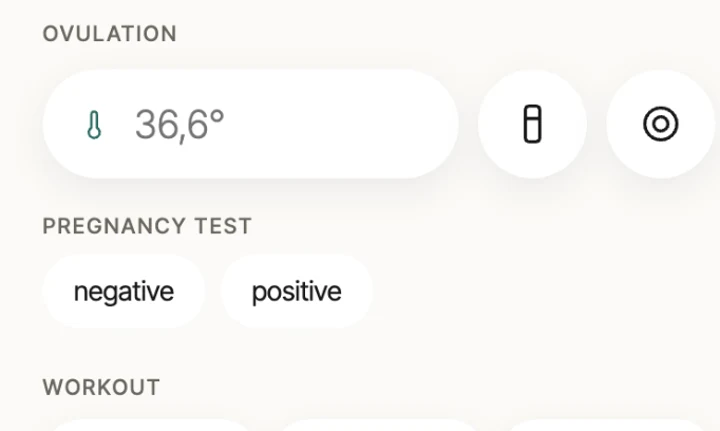
- "Pregnancy test" → "positive" or "negative". The day gets a test icon in the calendar.
- After a positive test, the day card in the calendar asks "Track your pregnancy in Aya?" — tap the check mark.
Turn on the mode
- Settings → "My cycle" → "Goal" → "Pregnancy".
- "Last period" — the first day of your last period. Your week and due date are calculated for you.
Your baby week by week
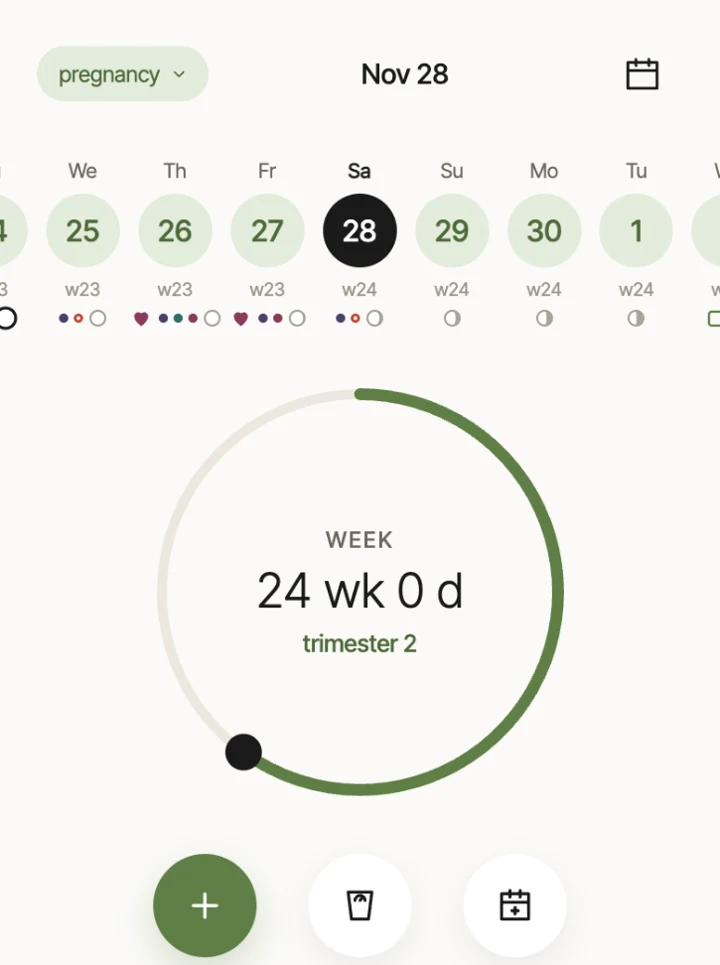
- On "Today" tap "week 24 • all weeks ›" (the number is your week).
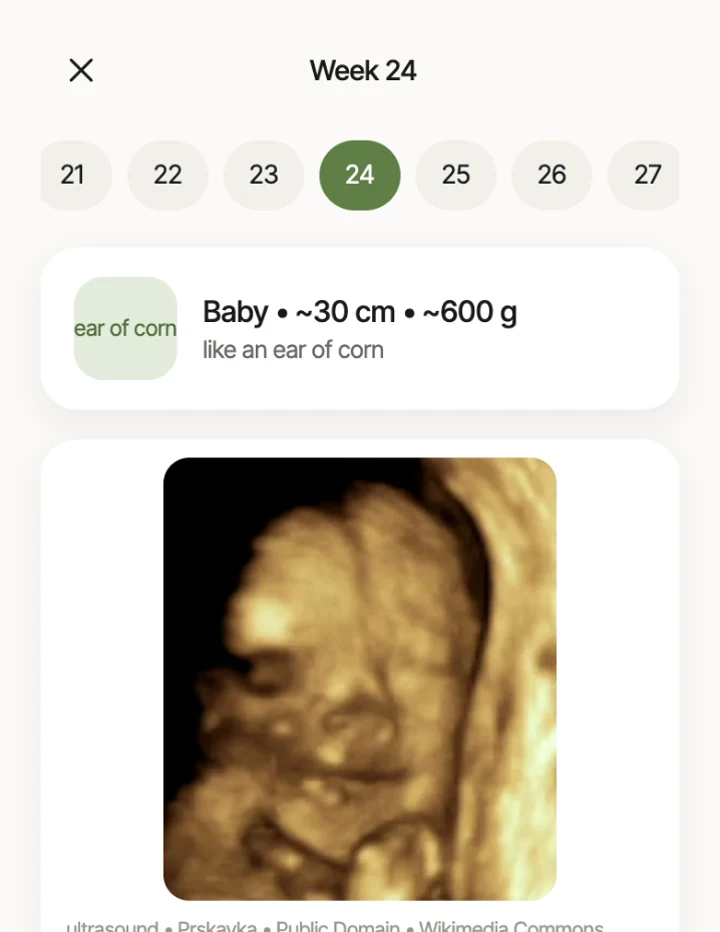
- Swipe through the weeks: size, weight, what is happening with your baby and with you.
- Tap the ultrasound image to open it large.
Visits and tests
- On "Today" → "Visits and tests".
- "Country" — the schedule of the country you choose. At first Aya suggests one from your phone's time zone.
- The circle on the left marks a step as done. Your own appointment — the "doctor" button on Today; the day gets a green square in the calendar.
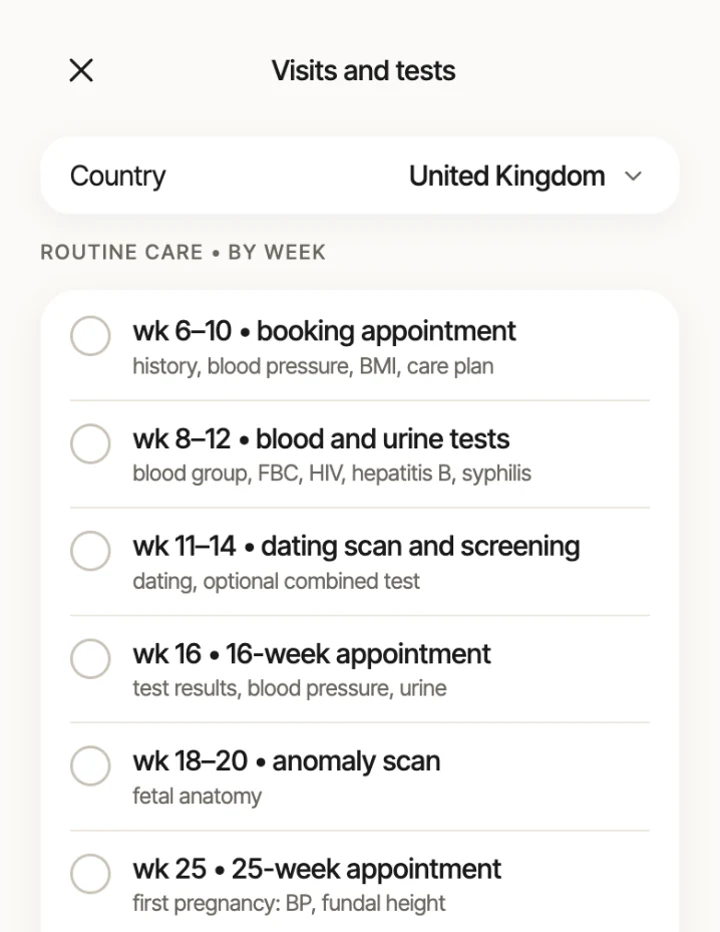
The timing follows national guidelines and the WHO. Your doctor gives the exact plan.
If the pregnancy ended
At the bottom of "Today" → "Pregnancy ended" → "baby was born" or "did not continue", the date and, if you like, the reason → "Save".
Questions
The pregnancy did not continue — what happens to my calendar?
At the bottom of Today tap "Pregnancy ended" → "did not continue". Those days stay in your calendar in grey with all your entries; the reason is optional. Cycle forecasts come back.
Where do the ultrasound images come from?
Free images from Wikimedia Commons. They are stored by Aya itself, so nobody else learns which week you are looking at.
Still stuck?Write to us from the app: Settings → Help → Contact. We reply in the chat.
Open Aya