Flo alternative: how to move your cycle history without losing it
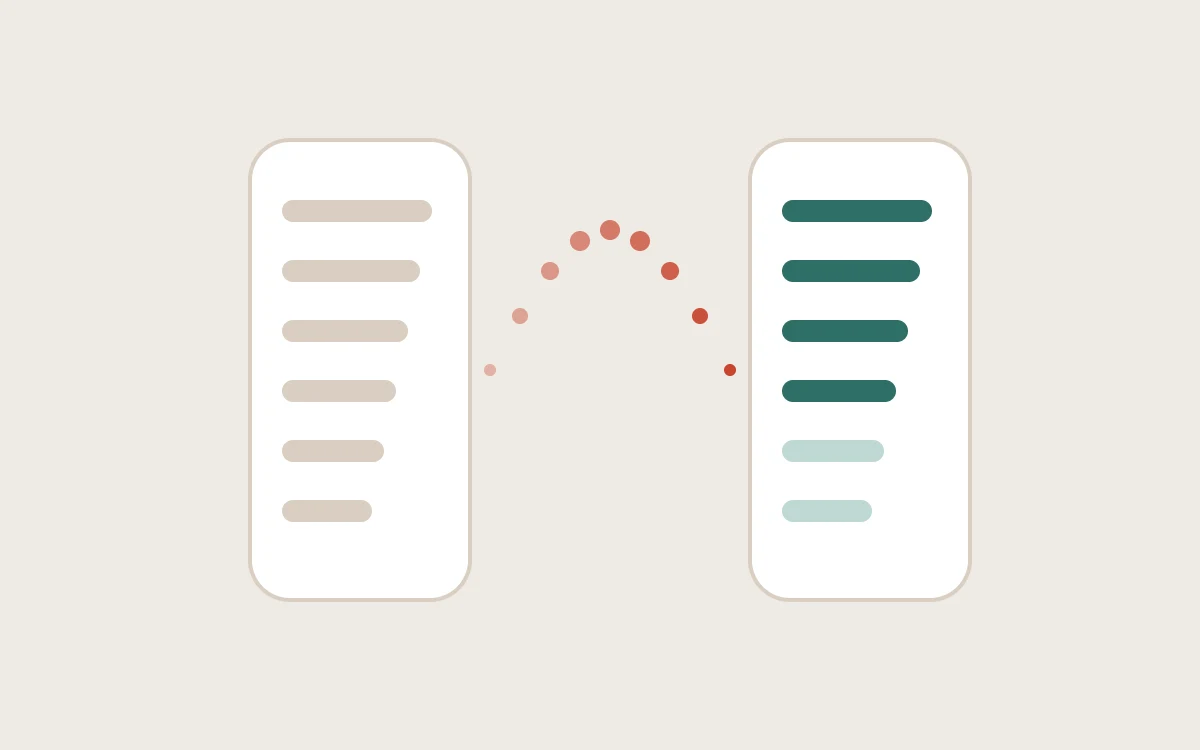
In short
- You can take your cycle history with you: Flo, Clue and Apple Health all let you export your data
- Importing it means your new forecast uses your past cycles from day one instead of starting from scratch
- When choosing a replacement, check how it makes money, whether it has ads, and whether you can delete everything in one tap
There's one real reason switching period trackers feels daunting: your history. Years of logs aren't just dates — they're what your forecast is built on. The good news is that you can take that history with you, and it's easier than it sounds.
Why import instead of starting over
A period forecast is built on your past cycles: how long they are and how much they vary. A new app without your history has to lean on averages at first — and large studies show the "average" cycle fits fewer people than you'd think. With your history imported, the forecast works from your own data straight away.
Step 1. Export your data from the old app
Flo. According to Flo's help center, you can request a copy of your data in the app: open the menu (your avatar) → My Data → Request My Data. You can also go through Help → Contact us, or email Flo's support. Flo will email you a file — save it to Files on your phone.
Clue. Clue's settings let you request a copy of your data. Clue emails a download link to the address on your account; per Clue's help page, the link expires after 72 hours, and you'll need a password the app shows you on screen. Save the file to Files.
Apple Health. If you logged periods in Apple Health (or another tracker wrote them there), open Health → tap your profile picture at the top right → Export All Health Data. After 1–3 minutes you'll get an export.zip archive — save it to Files.
Step 2. Import the file into your new app
In Aya it works like this:
- Open Settings → Import history.
- Tap Choose file and pick your Flo or Clue file, or the export.zip from Apple Health.
- Wait while Aya reads it — it will tell you how many days were added.
Aya imports periods, temperature, ovulation tests, sex and symptoms — whatever it finds in the file. Anything you've already logged in Aya stays as it is.
Privacy note: the file is processed right on your phone and is never uploaded as a whole. Only the cycle entries Aya recognises are saved to your history.
Step 3. Check your calendar
After importing, open the calendar and scroll back a couple of months: are your periods there, do the dates match? If something's missing — some apps don't export every log — add only the missing days by hand.
What to look for in a replacement
Switching is a good moment to ask your new app the questions worth asking the old one:
- how does it make money — ads, subscriptions, data?
- are there ads or ad modules inside;
- who can see your logs — is access restricted technically;
- can you export a copy of your data;
- can you delete everything in one tap, without emailing support.
For why this matters, read are period tracking apps safe?
What this means for you
Aya is free forever: no subscription, no ads, no data selling. Its forecast shows a window based on your own cycles rather than a "28-day norm", with modes for trying to conceive, pregnancy, perimenopause and recovery, plus short write-ups of new women's health research. Each entry is visible only to your account, and you can delete your account and full history from settings.
It works on iPhone and Android right in the browser — no app store needed: you can add the icon to your home screen in a minute.
Export instructions for third-party apps are based on their official help pages as of the publication date; menu names may change.
Questions
How long does the move take?
Exporting from Apple Health takes a couple of minutes. Flo and Clue email you a file — usually quickly, though you may need to wait a little.
Will my data be deleted from the old app after I move?
No — an export is a copy. If you want your data removed from the old app, do that separately in its settings or through its support team.
What if my file doesn't work?
App export formats sometimes change. In Aya, write to us via Contact in settings and we'll sort out your file.
Sources
Flo — How do I export my data?help.flo.health/hc/en-us/articles/360054973811-How-do-I-export-my-dataFlo — Your data and privacyflo.health/your-data-and-privacyClue — How do I get a copy of my Clue data?support.helloclue.com/hc/en-us/articles/17320910724125-How-do-I-get-a-Apple — Share your data in Health on iPhonesupport.apple.com/guide/iphone/share-your-health-data-iph5ede58c3d/iosThis article summarises research. It is not medical advice or a method of contraception. If in doubt, see a doctor.